
Choose your files
Drag files from Finder, select multiple files in the app, or use Finder Services.
Drop in your PDFs and images. Get smaller files in one step, without the repeated export dialogs.
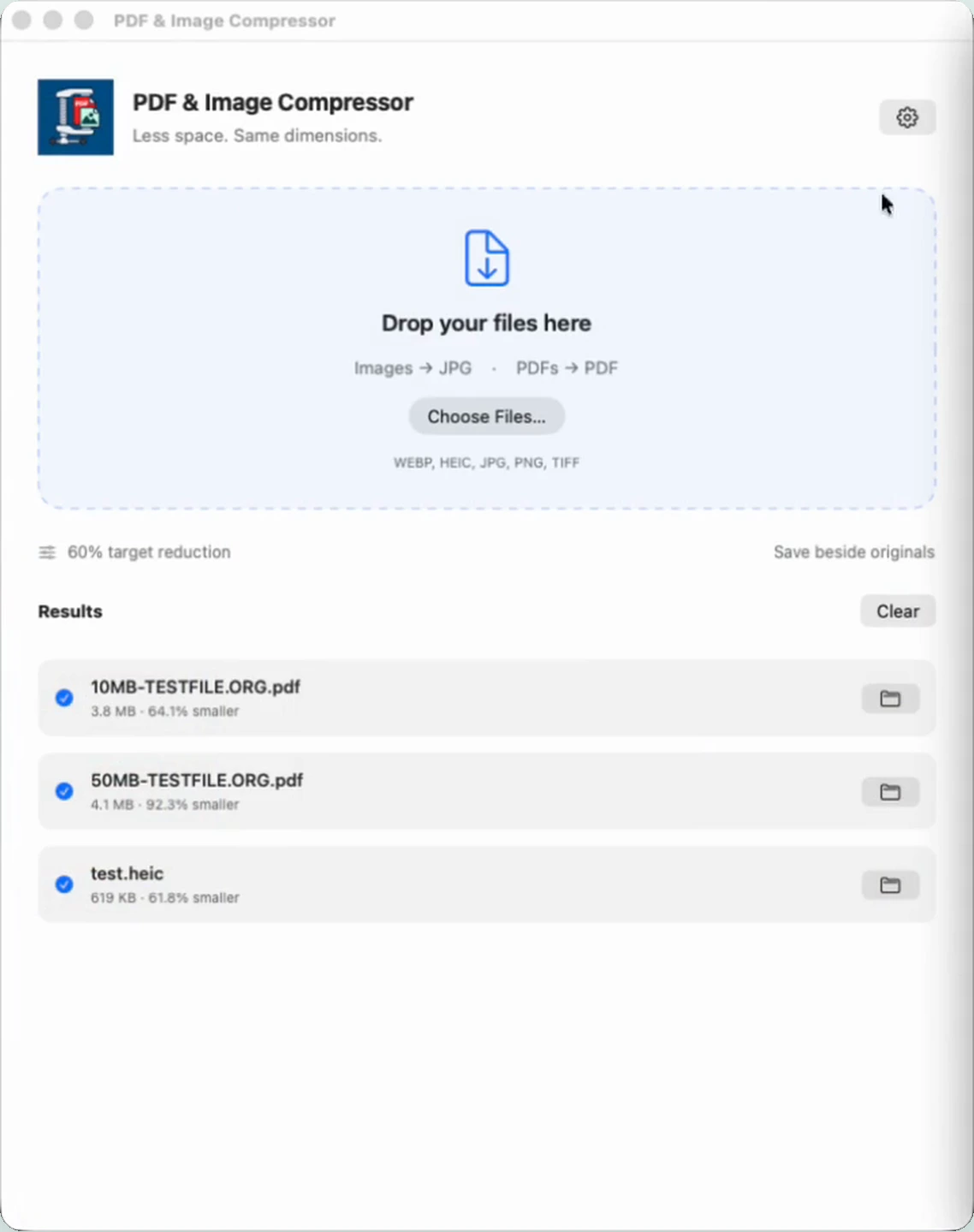
One file or a whole batch. Your saved preferences do the repetitive work.
Drag files from Finder, select multiple files in the app, or use Finder Services.
Images convert to JPG. PDFs stay PDF. Everything is processed locally.
See actual savings for each file and reveal the results in Finder.
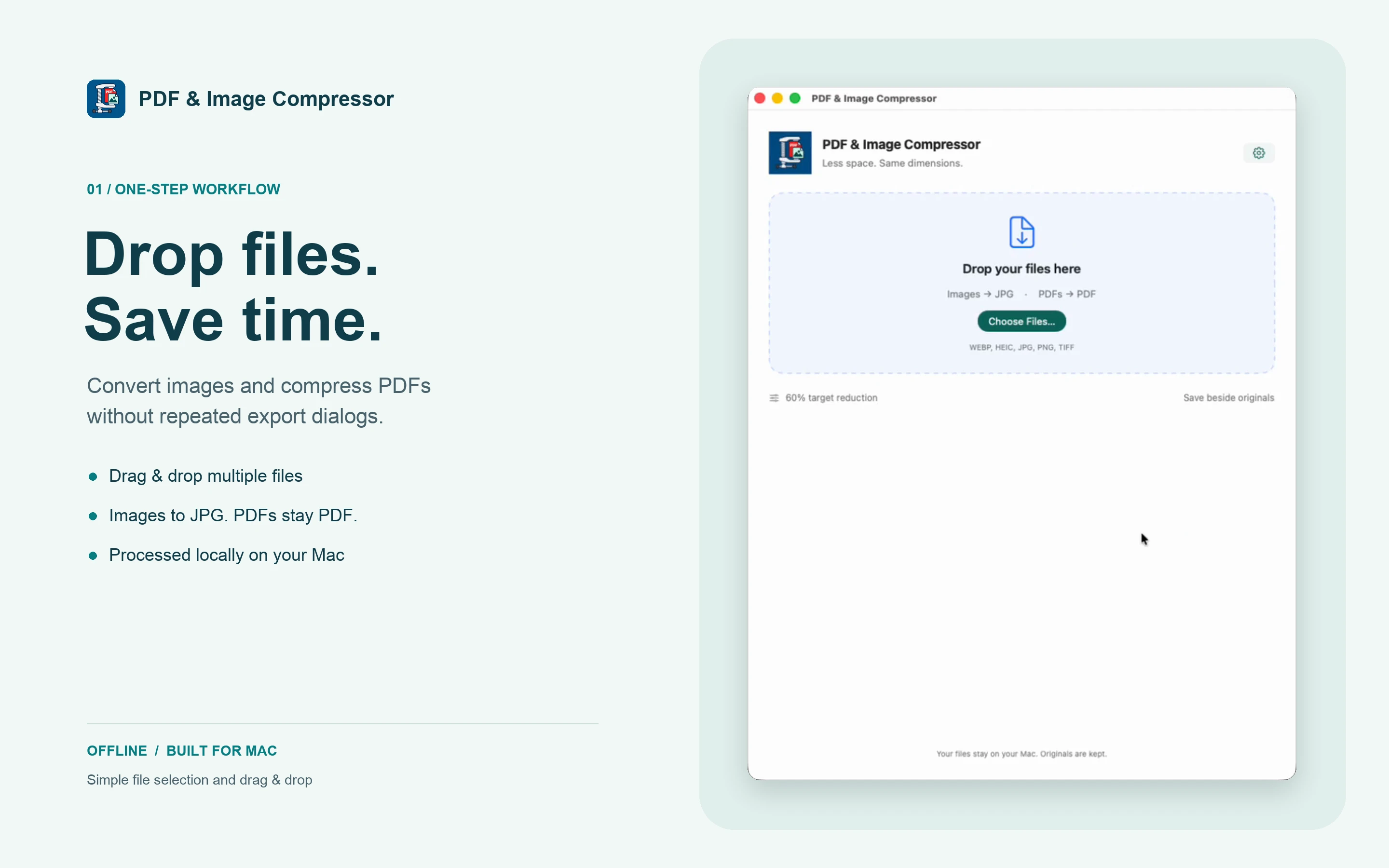
The actual app, without the extra steps. Select the image for a closer look.
From an iPhone photo to a document you need to email, keep things moving with one Mac app.
Process multiple PDFs and images together instead of repeating the same export for every file.
Convert supported HEIC, WebP, PNG, TIFF and JPEG files to widely compatible JPG.
Keep image pixel dimensions. PDF text, vectors and page dimensions are retained while embedded images are recompressed.
Each result shows its output size and actual reduction. Savings depend on the source file.
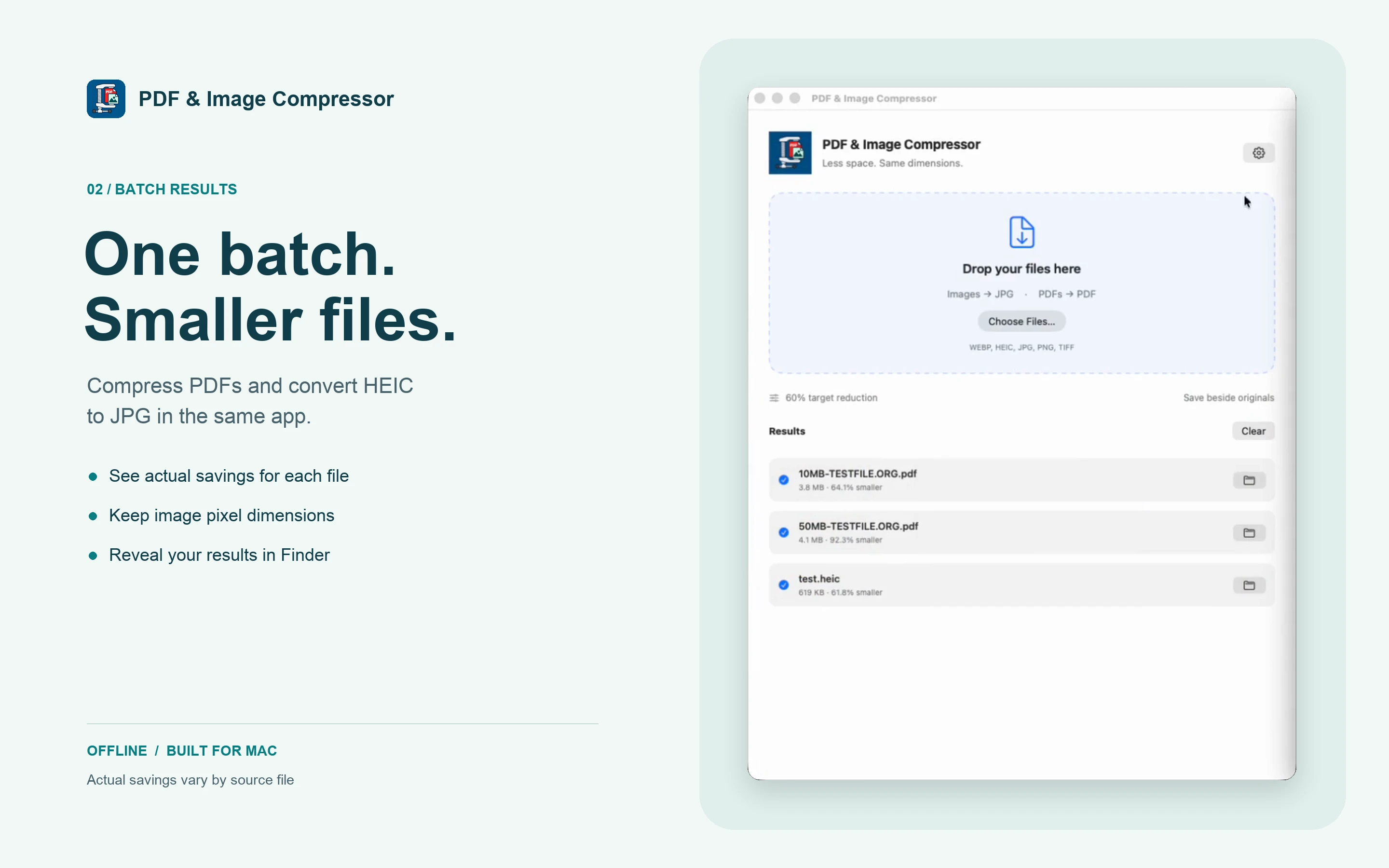
Results shown are examples from the supplied app screenshots, not guaranteed savings.
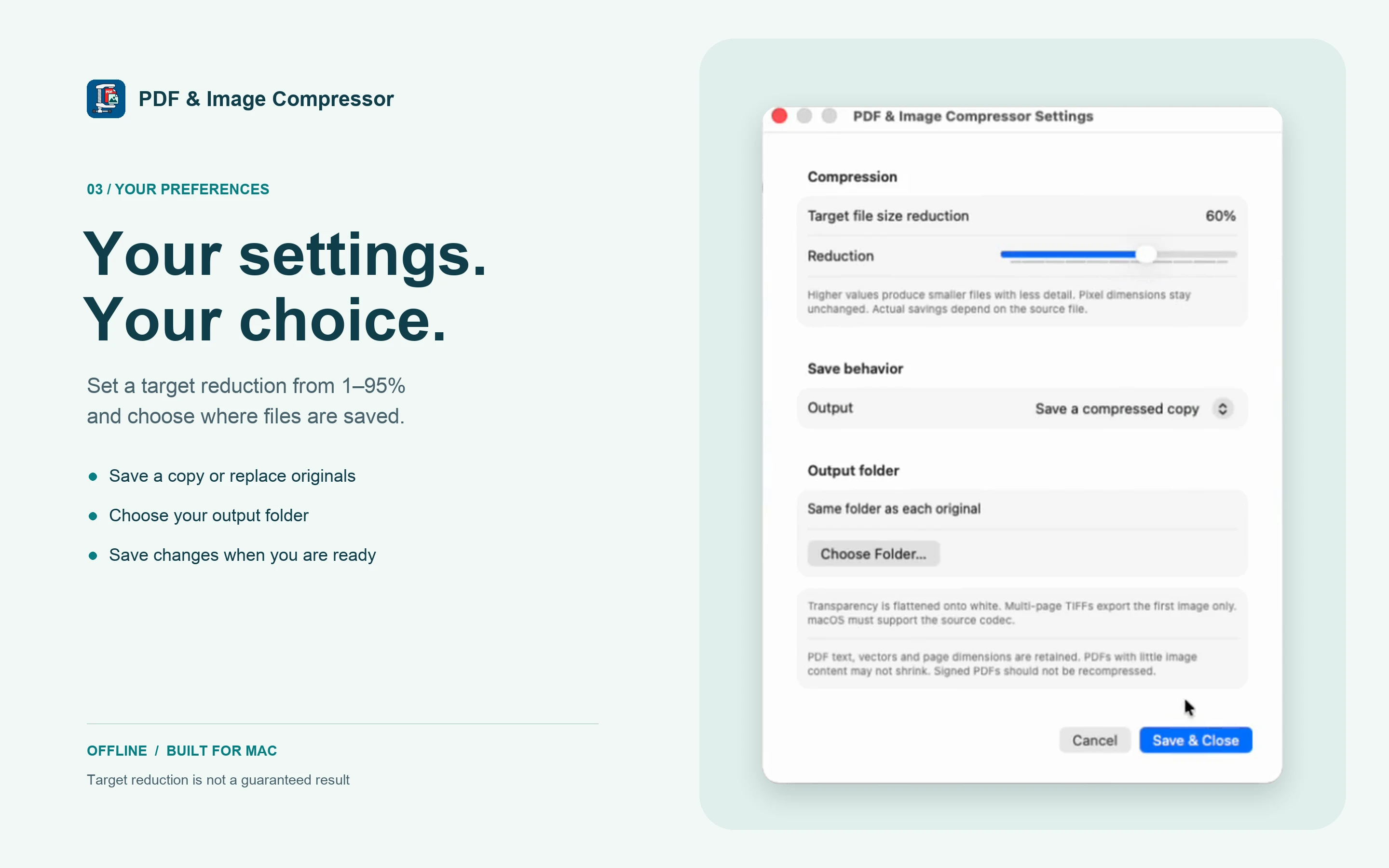
Choose a target reduction from 1–95%, with 60% as the default. Save your preferences once and use them for the next batch.
Higher reduction can mean less detail. Pixel dimensions stay the same; compression is not lossless. A target is not a guaranteed result.
Compression happens locally. No file uploads, no account and no internet connection needed to process your files.
Read our Privacy PolicyNo. The percentage is a target, not a guarantee. Already compressed images and PDFs with little image content may not shrink much. Actual savings are shown for each result.
Image pixel dimensions are retained, but recompression can reduce visual detail. JPG exports flatten transparency onto white. Multi-image TIFF and HEIF files export their first image.
PDFs remain PDFs. Embedded images are recompressed while text, vectors and page dimensions are retained. Avoid recompressing digitally signed PDFs: rewriting a PDF can invalidate its signatures. Encrypted PDFs are not supported.
By default, compressed copies are saved beside the originals. You can choose another output folder or replace originals in Settings. macOS may ask you to grant folder access.
The app is built for macOS 14 or later, with support for Apple silicon and Intel Macs. Image format support can depend on macOS and the file’s encoding.
PDF & Image Compressor is awaiting App Store review. We’ll add the download link here once it is approved. It is planned as a one-time purchase, with no subscription or in-app purchases.
Coming soon to the Mac App Store.
Have a question? Get in touch